
Play International Draughts Online
Create a public room and wait for an opponent, or use a private room to invite a specific friend. The host chooses Black or White before sharing the link or room code; the joining player automatically takes the other color, and Black moves first. Visitors who open a game already in progress without holding one of the original seats join as spectators.
Create a room
Choose a room type, then use its link or room code to invite a friend.
Public rooms use a shorter code and appear in the public list for anyone to join. This browser can keep only one public room at a time.
Join a room
Paste a friend's share link or enter the room code. Join a waiting room to start playing; a game already in progress opens in spectator mode.
Tip: Leaving a room does not end the game immediately. The host can re-enter through My rooms below or close the room. If both players leave, the room is kept for about 20 minutes. Room codes are used only for this match and do not store personal information.
Room lobby
My rooms
0Waiting for opponent
0Games in progress
0Creating public room…
Assigning a unique room code. Please wait.
Public room created (10×10)
Send the link or room code to a friend. The game will start automatically when they join.
You will play Black and move first; your opponent will play White. The game will still begin with this setup when they join.
Connection interrupted. Reconnecting…
Join a room
Room details were found in the shared link. Connect now, or edit the room code first.
Entering the room…
Connecting to room . Please wait.
Connection interrupted. Reconnecting…
Your opponent left the room
They disconnected. Return to the lobby to create or join a room.
Connection failed
Room not found. The code or link may be incorrect, or the room may have closed. Check it and try again.
Play International Draughts Online
Know Who Can Move
To find a game on the spot, open a public room in the lobby. To play someone you already know, open a private room and send the link. Both rooms use a 10×10 board, and Black moves first. The host chooses Black or White; the other seat waits for the joining player. Once both seats are taken, later visitors can only watch.
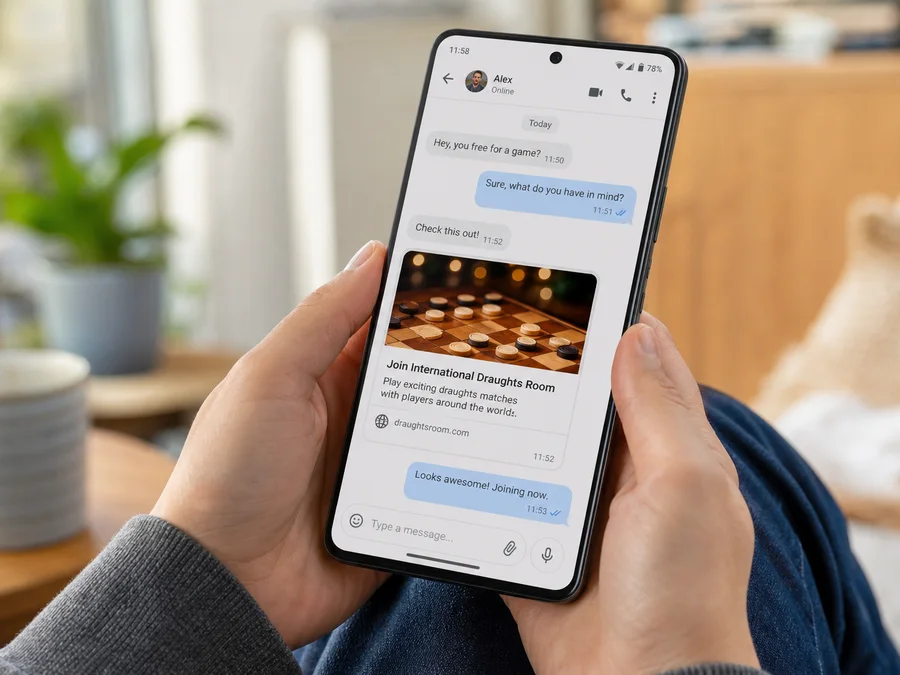
Public Rooms, Private Invites
A public room appears in the lobby. While it is still waiting, the next joining player takes the empty seat. A private room stays off the list and has no extra password; the share link and room code are the door. If this game is meant for one person, send the link privately instead of posting the full room code in a chat, stream, or screenshot.
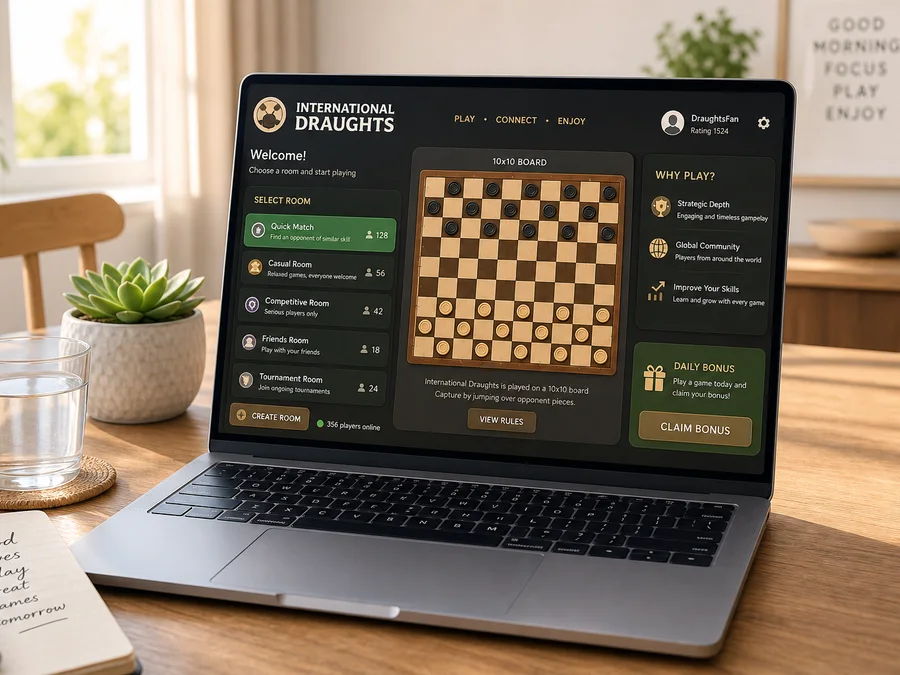
A Link Is Not a Seat
After the host chooses a color, the first invited player takes the other side. The original browser keeps a reconnect token, so a dropped connection can usually resume. If both Black and White are still online, anyone else who opens the link watches and does not bump a seated player.
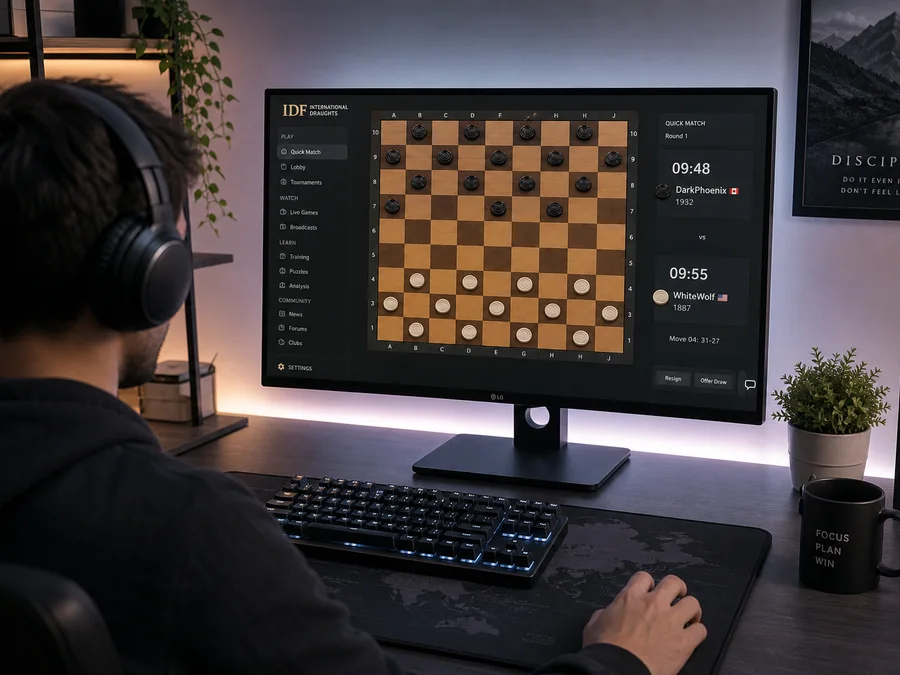
Leaving Is Not Resigning
Stepping back to the lobby or losing the network does not forfeit the game. After both players leave, the room is usually kept for about twenty minutes. To end the game, resign; to kill the invite immediately, the host closes the room. Synchronized moves belong to both players, so there is no one-sided undo.
2room types
1public room per browser
Noone-sided undo
~20 minkept after both leave
